Guides
Permafrost Dog Guide: How to Get the Companion, Give Commands and Carry Resources

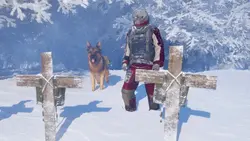
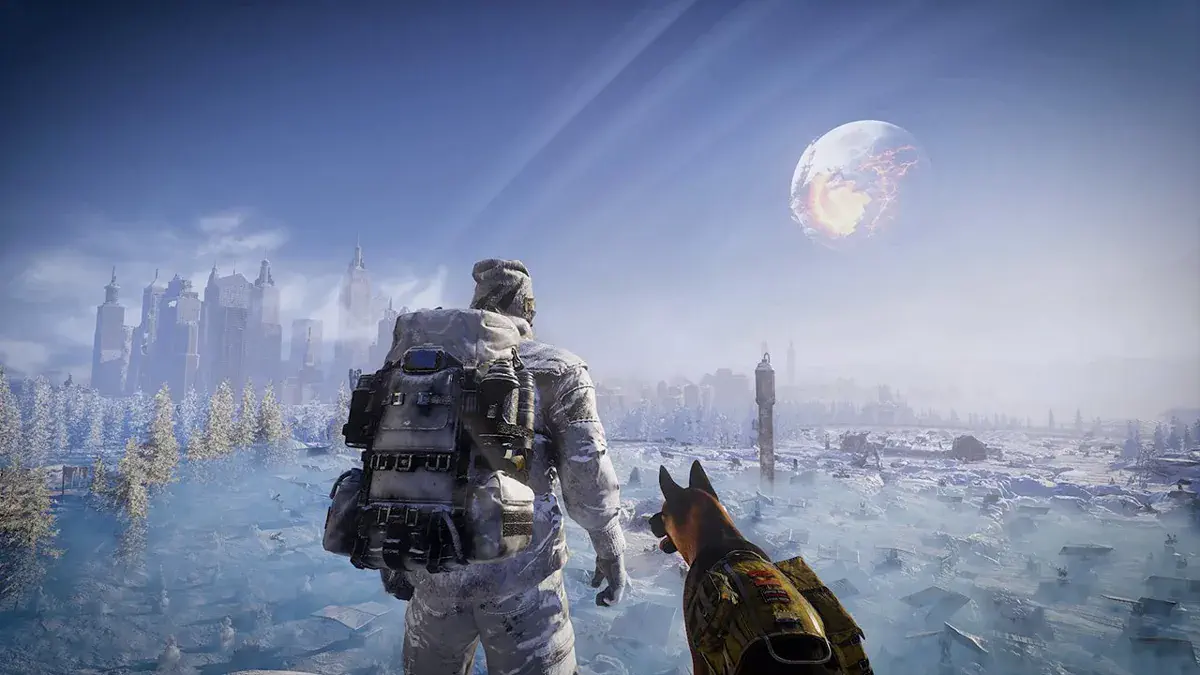
The dog companion in Permafrost follows your character, warns of danger, and carries extra supplies. In the pre-release build, companion controls were available through the radial menu, while playtest users also reported some co-op interaction limitations and occasional pathfinding problems. This guide explains where to find the dog, how the Follow and Stay commands work, how to use its pack for extra cargo, and what to try if your four-legged companion stops following.
Recommended Content
More on This Topic
How to get the dog companion
In the pre-release build, the dog joins you during the early main quest Dog Days. After the opening assignments, Robyn sends you to Bone Cave and marks the location on your map. Inside, you need to find an injured and hungry dog, treat it, and feed it. Bring a Bandage and raw Meat before leaving Horizon so you do not have to backtrack after reaching the cave.The sequence is:- Continue the early main quest chain until Robyn gives you Dog Days.
- Check the map marker and travel to Bone Cave.
- Go deeper into the cave until you find the dog.
- Treat the dog with a Bandage. Current quest data accepts a normal suitable Bandage rather than requiring one unique rare version.
- Feed it raw Meat and complete the remaining interaction prompts.
How to give the dog commands
The dog controls are available through the radial menu. In the playtest, holding Q opened that menu, where the companion section appeared alongside other quick actions such as the flashlight and construction tools. If you changed the keybinds, use the current control settings rather than relying on Q specifically.Two basic commands were consistently reported in the test build:- Follow - tells the dog to resume following your character.
- Stay - stops the dog and leaves it waiting at the selected location.
How to carry resources with the dog
Carrying supplies is an officially advertised companion feature. The dog has its own pack that functions as additional storage during exploration. Current pre-release walkthroughs show that looking at the dog and opening its container lets you move items between your inventory and the companion's cargo space.The developers have not published one permanent universal capacity figure that we would treat as guaranteed across future Early Access updates. Use the actual slots and restrictions shown by the live interface rather than relying on a number from an old test build.For normal expeditions, separate items by how urgently you may need them. Keep food, Bandages, heating supplies, and other emergency consumables on your own character whenever possible. Put spare materials, pelts, crafting resources, and less urgent loot in the dog's pack. That way a healing item is not effectively unavailable just because the companion is on the other side of a doorway.A useful cargo routine is:- Check free space before leaving so you do not have to sort everything in the middle of a dangerous area.
- Keep essential supplies on your character. Healing should not depend on whether the dog successfully followed you through a narrow passage.
- Transfer loot in small batches and confirm that the items actually moved.
- Keep track of the dog on the way home. Extra storage is only useful if you can still reach it.
- Unload the dog at your base and check what remains before the next expedition.
Why can co-op players have different access to the dog?
During the playtest, players reported that the session host had more reliable access to dog interactions, while connected players could sometimes encounter restrictions with commands or inventory access. This should be treated as a test-build limitation, not a permanent design rule until the Early Access version is checked.At the start of a co-op session, test the companion with every player. Have the host open the dog's inventory and issue a command, then let the other players try the same actions. If only one person has reliable control, make that player responsible for loading, unloading, and issuing travel commands until the behavior is clarified.Avoid sending contradictory commands from several players at once. If one person is trying to make the dog Stay while another is trying to recall it, diagnosing the companion's behavior becomes unnecessarily difficult. Even if the live version expands co-op permissions, assigning one person to manage the dog during a long trip can still keep the group organized.The important distinction is between intended permissions and playtest bugs. If another player cannot open the dog's pack, do not immediately assume that this is a permanent host-only design choice. Recheck the live Early Access behavior and any patch notes first.What to do if the dog gets stuck or stops following
Start with the simplest checks:- Check the active command. The dog may still be obeying Stay.
- Return to the place where it stopped and look for a doorway, fence, narrow passage, or other obstacle.
- Move into a more open area and issue Follow again.
- Toggle Stay and Follow to refresh the command state. Playtest users reported this as a useful workaround in some cases.
- In co-op, have the host repeat the command to rule out a permissions or synchronization issue.
How to understand the dog's warnings
SpaceRocket Games describes the companion as a scouting partner that can warn you about danger. Pay attention when the dog changes behavior, reacts to something off-screen, or stops moving normally. The correct response is to look around and check the situation rather than continuing to loot on autopilot.At the same time, the pre-release material does not establish a complete catalog of warning animations, a precise detection radius, or a one-to-one meaning for every signal. Do not assume that every pause means a storm is coming or that one animation always identifies one specific enemy.Check the current command, nearby obstacles, Cold Zone boundaries, and the surrounding area before drawing conclusions. That makes it easier to separate a useful warning from a following problem.The dog supplements your awareness rather than replacing it. You still need to read the map, prepare for the cold, carry the right supplies, and watch your route home. Once you make it back safely, you can also interact with your companion for a less practical reason: pre-release achievement data includes Who's a Good Boy for giving your four-legged partner some attention.Sign in to leave a comment or rate this post.
Comments
Be the first to comment!