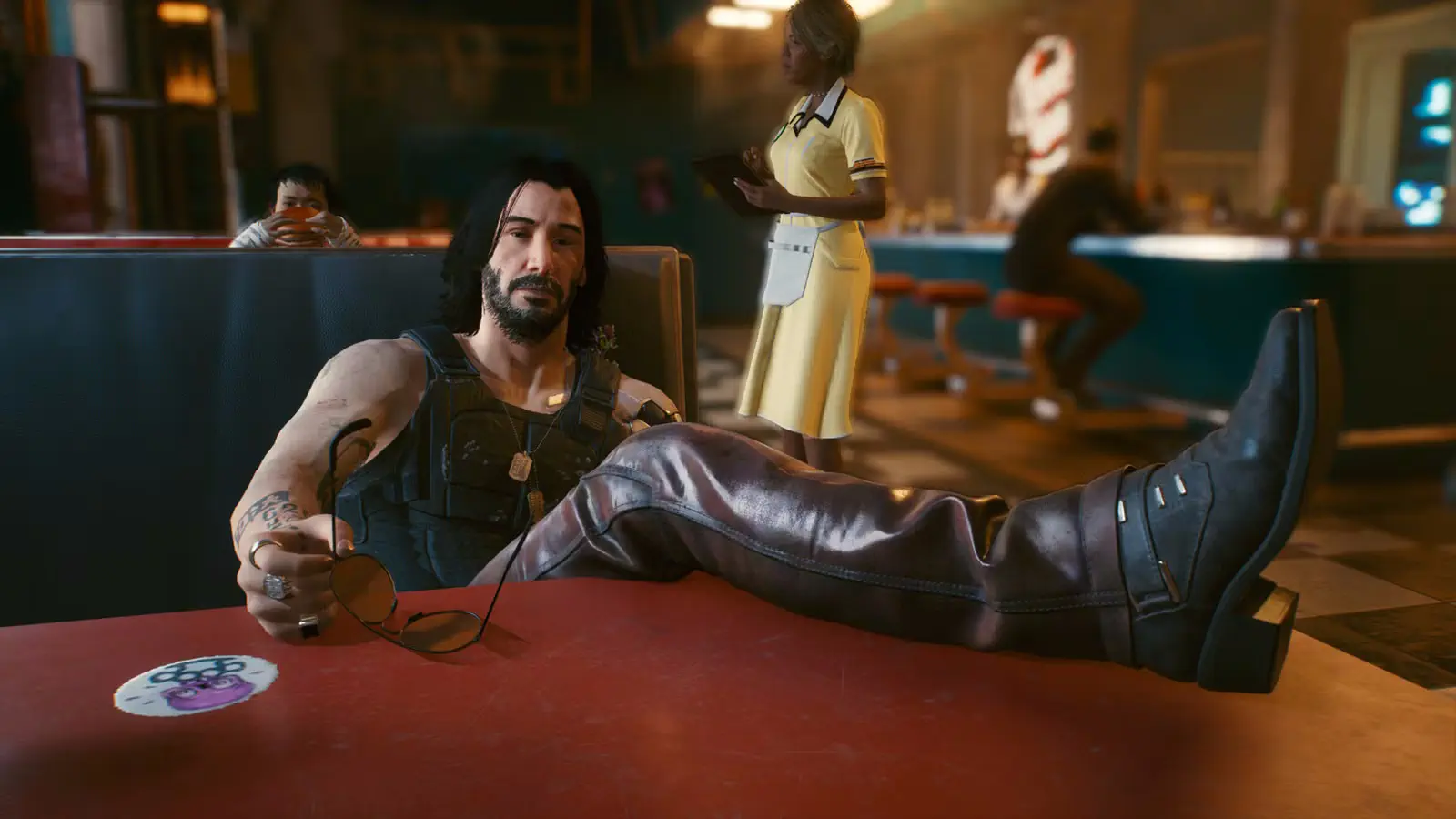
Cyberpunk 2077 Update 2.5 also introduced mod support on PS5 and Xbox Series X|S through mod.io. In this guide, we'll show you how to link your accounts, find a compatible mod, and enable it in the game. We'll also explain what happens to trophies and achievements, how to transfer modded saves, and what to check if an installed mod isn't working.
Update Cyberpunk 2077 to version 2.5 and connect your console to the internet. A Mods section will appear in the main menu. You can use it to browse the mod.io catalog and install available community creations. The feature supports PS5, PS5 Pro, and Xbox Series X|S. The PS4 and Xbox One versions did not receive it.To download mods, you need a CD PROJEKT RED account linked to mod.io. If you already use a CDPR account for cross-progression, sign in with that same account. This keeps your mod subscriptions connected to an account you already use. Before trying mods for the first time, we recommend making a separate manual save without mods and keeping it for your regular playthrough.
How to connect mod.io on PS5 and Xbox
Image unavailableLaunch the game and select Mods from the main menu. Sign in to your CD PROJEKT RED account and follow the prompt to link it to mod.io. If you don't have a mod.io account yet, you can create one when you first open the mod menu. Once your accounts are linked, return to the in-game catalog.Image unavailableThe process is the same on both consoles. First sign in to CDPR, then connect mod.io and choose your mods. Check which account you're using, especially if you've accessed the service on PC before. Subscriptions sync through your CD PROJEKT RED account. If you sign in with a different one, your usual collection of mods won't appear.
How to download and enable a mod
Open the page for the mod you want and read its description. Check which platforms it supports, whether it requires the Phantom Liberty expansion, and whether it has dependencies, meaning other files required for the mod to work. Then select Subscribe or Install and wait for the download to finish. Official support pages use the labels Subscribe or Install for these actions.After downloading, return to the main menu and restart the game. This is the procedure recommended by CDPR support. Open the Mods menu again, go to Installed, and find the mod you downloaded. Make sure its enable checkbox is ticked. You can now load your save and check the changes.Image unavailableWe suggest starting with just one mod. Install it, see how it works, and play for a while before adding another. If something goes wrong afterward, it will be easier to identify which mod caused the problem. It's better to build up a larger collection gradually, especially when several mods change the same items or gameplay mechanics.
Which mods are available on PS5 and Xbox
The in-game catalog contains a selection of compatible mods, with more to be added over time. If you find something interesting on PC, open its page and look for the Available on consoles tag. Then make sure your system is listed among the supported platforms. A mod missing from the console catalog won't suddenly appear there just because you subscribed to it on PC.
You don't need to copy archives from Nexus Mods to a USB drive for this installation method. Choose the console-compatible version through mod.io. The existence of a PC mod doesn't automatically mean it works on PS5 or Xbox. Subscriptions carry over between devices, but mods unsupported by a console are skipped. Check compatibility first before planning a playthrough around a particular mod.
Are there limits on the number and size of mods?
The mod.io FAQ does not specify a fixed maximum number of installed mods. However, PS5 and Xbox have a 900 MB limit for an individual mod's unpacked folder when its creator uploads it. A mod that exceeds this size cannot pass the eligibility check for these platforms. This is a publishing requirement for each individual mod, not a confirmed total storage limit for your entire collection.
Do mods disable trophies and achievements?
Yes. On consoles, you cannot earn trophies or achievements from modded saves. The game considers any save created while mods are enabled to be modded. A mod.io cog icon appears next to such files in the Load Game menu, so you can tell an experimental playthrough apart from a regular one.If you're working toward a Platinum trophy or trying to complete the achievement list, keep a separate save made before enabling mods. To return to it, first disable your mods in the Installed section, then load the original save. Don't overwrite it while playing with mods. Simply disabling mods should not be treated as a way to remove the modded flag from an already modified save.
How to transfer modded saves between platforms
Sign in with the same CD PROJEKT RED account on your other device and check the installed mod list. For a save to remain compatible, the same set of mods must be enabled on both platforms. Syncing your subscriptions alone isn't enough. The required files must also be available and installed. If some mods are unsupported on consoles, a transferred save may fail to load correctly.Image unavailablePay particular attention to your mod list when moving from PC to PS5 or Xbox. First make sure every mod you're using has a console version, then continue your playthrough on the other device. If an important mod isn't available, we recommend keeping that save on its original platform. For console play, use a separate save made without that mod before installing it.
Can you play with mods offline?
Yes, provided all the mods required by your save are already installed on your console. Before going offline, open the Installed list and check your collection. You cannot download new mods without an internet connection. If the save requires a mod you don't have, you'll need to reconnect and download it.
What to do if a mod isn't working
First, open the Installed section and check whether the download has finished and the enable checkbox is ticked. Then reread the requirements on the mod's page. It may require an expansion or another mod. Restart the game and check again. If the mod is available on PC but missing on your console, check its supported platforms. Linking accounts does not bypass that restriction.If the problem appeared after adding a new mod, disable it and try loading a save made before the installation. Removing or disabling a mod doesn't always undo changes already written to your save. If the error occurs only with one particular mod, describe it to the creator on its mod.io page. Include your console, game version, and any other enabled mods to help narrow down the cause.