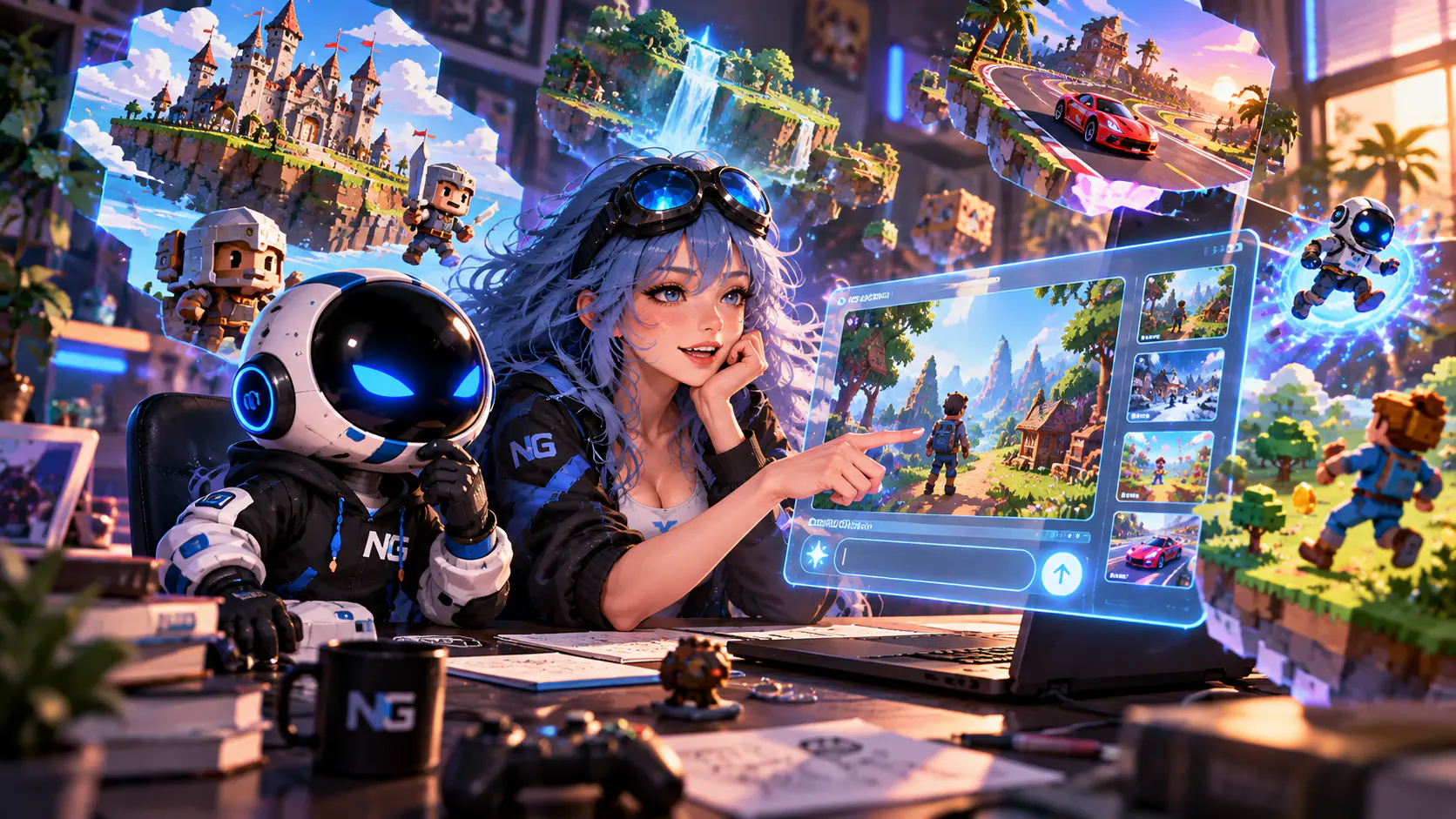
Google Playground is an experimental gaming platform from Google that can turn a text description into a playable browser game. Think of it as a prompt-driven game creation platform built around rapid iteration. You do not need to write code manually. Describe the genre, rules, character, controls, and visual style in normal language, generate a playable version, test it immediately, then keep improving the project through the same conversational interface.
At launch, Playground is available to users in the United States who are 18 or older. Playing published games is free, while creation uses a weekly allowance of generation tokens. Free creation access is rolling out gradually through a waitlist, while eligible Google One AI subscribers can get faster access and higher weekly limits. Google may change exact limits over time, so always check the current allowance shown in your own account.Image unavailableThis hub explains how to get started, write useful prompts, change a game after generation, create 2D and 3D projects, use image references, add multiplayer, publish a game, and export the source code.
How to create a game in Google Playground: quick guide
A practical workflow looks like this:
Get creation access through the Free Tier waitlist or an eligible Google One AI plan.
Start from the creation screen using a blank idea, a guided flow, or one of the suggested genre starting points.
Decide whether the game should be 2D or 3D and enable multiplayer before generation if the project needs it.
Describe the genre, objective, controls, core loop, win condition, lose condition, and visual style.
Generate the first version and immediately test the core loop.
Fix the game with short, focused prompts instead of rewriting everything at once.
Upload a JPG or PNG if you want to guide the visual direction with a reference image.
Check mobile controls and UI scaling.
Share the game as Unlisted first, then publish it as Listed once it is ready for public discovery.
Export a ZIP containing HTML, JavaScript, CSS, and generated assets as a backup or starting point for further development.
What is Google Playground?
Playground should not be treated as a single "make me a game" button. It is a conversational game creation environment. The first prompt generates a playable prototype, then you can continue changing individual parts such as movement speed, physics, enemy behavior, victory conditions, UI, art direction, and level structure. That is the approach we recommend from the start.Image unavailable Finished projects run directly in the browser. You can keep them private, share them through an Unlisted link, or publish them as Listed so they can appear in Playground discovery after safety review. Playground also does not trap the project entirely inside the service because Google lets creators export a ZIP containing the game's HTML, JavaScript, CSS, and generated asset files.
How to get access to Google Playground
At launch, two main restrictions apply: you must be at least 18 years old and the platform is officially available in the United States. Google says more countries are coming, but it has not published a rollout schedule.Eligible users can browse and play the public game catalog for free. AI game creation is rolling out in phases. Free Tier users may need to join the waitlist and receive access later as capacity expands. Eligible Google One AI plans provide immediate creation access and a higher weekly token allowance.Generation credits are only permanently deducted after a game successfully compiles and becomes playable. If generation fails or times out, the credit is automatically refunded. If you realize you submitted the wrong prompt, you can stop generation from the chat interface, and the partially used generation credit is not deducted.
How to create your first game
Once creation access is enabled, open the creation screen. Playground offers guided flows and genre examples such as Trivia, Tower Defense, and Racing, while still allowing you to describe a custom idea from scratch. Before the first generation, make two decisions: whether the project should be 2D or 3D, and whether it needs multiplayer.Image unavailableIf you want a multiplayer game, enable the multiplayer option in the initial generation interface rather than trying to bolt it on later. After generation, test the basic loop before worrying about polish. Make sure movement works, the objective is understandable, winning and losing are possible, and the UI communicates the important information. Visual polish is much easier to improve once the game itself functions.
How to write a good prompt
Playground can start from a single sentence, but a useful first prompt saves a lot of repair work later. We recommend including nine things: genre, perspective, main objective, controls, core gameplay loop, enemies or obstacles, progression or scoring, win and lose conditions, and visual style.A reliable structure looks like this:
Name the genre, such as platformer, racing, tower defense, shooter, puzzle, or trivia.
Choose 2D or 3D and describe the camera.
Explain what the player does most of the time.
List the main actions and controls.
Add enemies, obstacles, or another source of pressure.
Explain scoring or progression.
Define how the player wins and loses.
Describe the visual style.
List the UI elements that should remain visible during play.
Instead of writing "make a platformer about a cat," try something like this:
"Create a colorful 2D side-scrolling platformer. The player controls a cat that collects fish and jumps over puddles. Each fish gives 10 points. Falling into a puddle removes one of three hearts. Add score, health, and a high-score display. Use a bright hand-drawn cartoon style."
The prompt is still short, but now the model understands what kind of playable result you expect.
Do not try to build everything in one prompt
Google recommends making clear, focused changes, and that is the best way to work with Playground. After the first generation, five small instructions are usually better than one enormous paragraph.Image unavailableFor example:
"Add a double jump, but make the second jump weaker than the first."
"After taking damage, give the player one second of invulnerability."
"Make the moving platforms slower on the first level."
"Add a results screen and a restart button."
"Increase the size of the controls on mobile devices."
After every substantial change, play through the game at least once. A generative editor can fix one mechanic while accidentally affecting another, so a short test after each major iteration saves much more time than discovering several broken systems at the end.
What can you change after generation?
The conversational editor can modify most of the core systems in a small browser game. You can change physics, rules, characters, environments, UI, and enemy behavior without manually editing the code.For example, you can ask Playground to:
Change gravity, speed, acceleration, or jump height.
Rewrite the win and lose conditions.
Add health, a timer, combos, or currency.
Change enemy behavior.
Add a new ability.
Rebalance the difficulty curve.
Replace the setting or visual theme.
Redesign the UI.
Adapt the controls for mobile devices.
Measurable instructions work best. "Make it more fun" is vague. "Increase player speed by 15%, add a combo bonus for collecting three items in a row, and trigger a bonus stage every 45 seconds" gives the editor something concrete to change.
How to create a 2D game
For a first project, we recommend starting with 2D. A simple camera and straightforward geometry reduce the chance of producing an attractive scene that feels awkward to play. Good first projects include a platformer, tower defense game, arcade shooter, trivia game, or puzzle.Image unavailableKeep the first version small. Ask for one map, one level, one road, or one arena. After generation, test the core loop before adding more enemy types, weapons, effects, and environments.For a tower defense prototype, one road, one tower, one enemy type, and five waves are enough to establish whether the idea works. If that foundation is solid, expanding the game becomes much easier.
How to create a 3D game
Playground can also generate 3D games, but the same rule matters even more here: do not start by asking for an open world. Begin with one arena, a short track, or a compact room.
A useful first prompt:
"Create a 3D third-person racing game on a short neon track. One lap should take about one minute. The player races against three opponents, can use a short dash, and collects energy orbs. The first racer to finish three laps wins."
Image unavailableIf the basic version works, add a second track, new obstacles, weather, or more advanced mechanics later. Playground is much better suited to rapid 3D prototyping than to replacing a full professional game engine for a large production.
How to use images and visual references
Playground lets eligible creators upload JPG and PNG images to influence visual assets such as characters, backgrounds, themes, and sprites. Video references are not supported at launch.The image is used as a reference rather than simply embedded unchanged in the finished game. Playground's AI transforms the visual input into stylized assets that match the project's art direction.Simple references are usually easier to control. Good examples include:
one character on a clean background.
a clear room concept or a specific color palette.
Ready-made prompt for a platformer
You can start with something like this:
"Create a colorful 2D side-scrolling platformer. The main character is a small robot courier. The objective is to collect ten energy cells and reach the exit. Controls include left and right movement, jump, and double jump. The level contains moving platforms, lasers, and flying drones. The player has three health points. Collecting cells gives points, while finishing quickly grants a bonus. Add score, health, and a timer. The first level should take about two minutes to complete."
After generation, do not immediately ask for a second world and twenty enemy types. Test the jump, collisions, and pacing first, then add new content through separate prompts.
Ready-made prompt for Tower Defense
"Create a 2D top-down tower defense game. Enemies travel along one road toward a central reactor. The player starts with 100 coins and can build three tower types: rapid-fire, heavy, and slowing. Defeating enemies grants coins. There are five waves, with each wave harder than the previous one. Add a short building phase after each wave. The player loses if 20 enemies reach the reactor."
Once the first version works, adjust tower prices, enemy health, wave duration, and attack ranges separately. We recommend changing one family of values at a time. Otherwise, it quickly becomes difficult to understand why the balance suddenly collapsed.
Ready-made prompt for a racing game
"Create a 3D arcade racing game on a futuristic track. The camera follows behind the car. A race has three laps and three AI opponents. The track contains boost pads and obstacles. The player can use a short dash with a five-second cooldown. Add race position, lap number, and a timer. Make the controls comfortable on both keyboard and touchscreen."
How to make a multiplayer game
Playground supports both turn-based and real-time multiplayer, although Google currently labels the feature as an early preview. Select the multiplayer option in the initial generation chat box before generating the game.For a first multiplayer project, keep the rules extremely simple: two players, a small map, short matches, and as little complex synchronized state as possible. The fewer systems that depend on long chains of network events, the easier it is to identify what broke if the second player suddenly fails to see something.After generation, test a real second-player connection, leaving and rejoining, the start of a new match, and the end-of-match flow. Multiplayer is where a polished-looking prototype is most likely to expose the technical limits of an early platform.Global platform leaderboards are not available for multiplayer games. Playground's leaderboard features currently apply to eligible single-player games instead.
How to fix bugs with prompts
If something is broken, do not write "fix the game". Describe the symptom, the expected behavior, and what should remain unchanged.
For example:
"After the player touches an enemy, health decreases several times during one collision. Change it so the player loses only one heart and receives one second of invulnerability. Do not change enemy speed or the controls."
Or:
"On mobile, the jump button overlaps the score. Move the score to the upper-left corner and the jump button to the lower-right. Leave the rest of the layout unchanged."
The more precisely you describe the problem, the lower the chance that Playground fixes it while breaking half of the systems that already work.
How to publish a game
Playground gives each project several visibility states. A Draft is still in development and is visible only to its creator. Private also keeps the compiled game available only to you. Unlisted creates a direct link that anyone with the link can use, while keeping the game out of public search and discovery. Listed, also described as Discoverable, makes the game publicly searchable once it passes Google's safety review.Image unavailableWe recommend using Unlisted first. Send the link to a few friends or colleagues, watch where they become confused, and fix the first-minute experience before publishing publicly. Someone discovering your game will not spend five minutes guessing the controls. The first few seconds should make the objective and basic interaction clear.You can keep editing a game after publication. New edits remain private as a draft until you explicitly publish again. The previously published version remains playable while you work on the next build, which is useful when experimenting with major changes.Publicly listed games are screened against Playground's Community Guidelines before they become discoverable. Games can also be reported by users after publication.
How to download the source code
One of Playground's most useful features is project export. Open one of your games in the Creation Studio and use Export / Download Zip. Google says the archive contains the complete game files, including:
HTML.
JavaScript.
CSS.
Generated asset files.
That means the source of a Playground game is not completely locked inside the platform. We recommend exporting successful versions as backups, especially before a major redesign.However, source export does not automatically mean every platform service becomes self-contained. Features such as multiplayer matchmaking, public leaderboards, publishing, profiles, or other Google-connected systems may depend on Playground infrastructure rather than only the files in the ZIP. A simple single-player browser game is therefore easier to move elsewhere than a project built around platform services.
What is Unity Spark?
Unity Spark is a new browser-based game creation product announced by Unity and Google alongside Playground. It is aimed at creators who want to move beyond quick prototypes while still using a more approachable prompt-driven workflow. Unity says Spark will combine AI-assisted creation with artist-made assets from the Unity Asset Store, stronger 3D capabilities, professional game mechanics, and the flexibility of the Unity runtime.Google and Unity describe Spark as part of the broader Playground ecosystem rather than a feature that is already available inside today's Creation Studio. Google says Playground will eventually offer an integration with Unity Spark so a creator can start with an accessible prompt-driven experience and move toward more advanced Unity-powered projects.As of October 7, 2026, Unity Spark is still in testing and its closed beta is coming soon. Unity currently offers a waitlist and playable demo projects, but the full creator workflow has not launched publicly. If you cannot find a "Send to Unity Spark" button in Playground today, you are not missing a hidden feature.
Main Google Playground limitations
Playground is an early experimental platform, so keep these restrictions in mind:
Official launch access is currently limited to users in the United States who are 18 or older.
Free Tier game creation may require joining a waitlist.
Weekly generation allowances can vary by access tier and may change over time.
Multiplayer is still in early preview.
Global platform leaderboards are not available for multiplayer games.
Only JPG and PNG images are supported as visual references. Video is not supported.
Listed games go through Google safety screening before public discovery.
Unity Spark integration is planned but is not available as a finished creator workflow yet.
Exporting source code does not guarantee that every Google-connected platform feature will work outside Playground.
Because of those limitations, we would not use the current version to plan a giant MMORPG or a game intended to provide hundreds of hours of production-scale content. Playground is much more convincing as a rapid prototyping tool for an arcade game, quiz, tower defense project, short racer, platformer, or experimental game idea.
How to save generation tokens
The best way to save tokens is to avoid repeatedly asking the model to rebuild half of the project. Validate the gameplay logic first and polish the visuals later. Break large changes into smaller requests so you can see which instruction caused a problem.If you immediately realize that you sent the wrong prompt, stop generation. Google says credits for partial generation are not permanently deducted, and failed or timed-out generations are automatically refunded.Another useful habit is to write down several problems after a playtest and fix them in priority order. Not every tiny visual issue needs a separate generation immediately. Export a working build before a major redesign as well. A ZIP backup is much easier to restore than trying to reconstruct a good version from memory after several unsuccessful iterations.
Our recommended Google Playground workflow
Start by expressing the core gameplay loop in one sentence. For example: "The player protects a base by building towers with coins earned from defeated enemies." Then create the smallest possible version with one tower, one enemy type, and a clear win or lose condition.Once that loop works, add the interface, a few additional content types, difficulty tuning, and a visual theme one step at a time. Play a complete round after every substantial change. Only then move on to extra effects, music, more modes, or larger content expansions.Before publishing, test the game on both desktop and mobile if the project is intended for both. Share an Unlisted version with several people and watch whether they understand what to do without your explanation. If they do, the game is ready for a Listed release and public discovery. If they do not, fix the onboarding before adding another feature.