I have put together answers to some of the most common Farming Simulator 22 questions: where to buy the game, where the save files are stored, how to choose a map, buy seeds, prepare fields, use AI Workers, and more.
What Is the Latest Farming Simulator Game?
Farming Simulator 22 is no longer the newest game in the series. The current mainline release is Farming Simulator 25, which launched on November 12, 2024. Still, Farming Simulator 22 remains available and has years of expansions, mods, and community content behind it, so there is no problem starting with this version today.
Where Are Farming Simulator 22 Save Files Located?
On the standard Windows version, it does not matter where we installed the game itself. The local save folder is usually here:
C:\Users\\Documents\My Games\FarmingSimulator2022
If Windows redirects the Documents folder through OneDrive, check this path instead:
Inside the FarmingSimulator2022 folder, separate save slots are stored as savegame1, savegame2, savegame3, and so on. There is also a savegameBackup folder, which can be useful if a save becomes corrupted.The Microsoft Store version may use the Windows package storage system instead of the standard Documents path, so keep that in mind if you cannot find your saves in either location above.
Can You Play Farming Simulator 22 Multiplayer on a Pirated Copy?
First of all, I do not recommend installing unofficial executables, cracks, or third-party multiplayer fixes for Farming Simulator 22. Apart from being unsupported, they are a very easy way to end up with malware on your PC. It is safer to use a legitimate copy from one of the stores listed above.Official Farming Simulator 22 multiplayer and crossplay are designed for supported legitimate copies of the game. If we want online play to work normally, that is the version we should use.
How to Start the Game and Which Map to Choose in Farming Simulator 22
From the main menu, choose Career. The base game includes three maps: Elmcreek, Haut-Beyleron, and Erlengrat. We also choose one of three career modes. New Farmer is the easiest start because we already own land, buildings, and useful machinery. Farm Manager gives us a large amount of money but no ready-made farm, while Start from Scratch gives us much less room for mistakes.If this is our first farm, I recommend starting with New Farmer. The exact starter setup differs from map to map.
Elmcreek
Elmcreek is the American Midwest map and probably the easiest place to learn conventional crop farming. In New Farmer mode, we get a working farm with several fields, tractors, a combine harvester, basic field equipment, storage, and starting capital.
Several fields ready for crop farming.
Tractors for everyday field work.
A combine harvester with a compatible header.
Basic equipment: a seeder, cultivator, trailer, and other starter tools.
Farm buildings: a farmhouse, grain storage, sheds, and other basic facilities.
Starting money for additional equipment and supplies.
Elmcreek is a great choice for beginners. The terrain is easy to understand, there is plenty of room to work, and the main selling points and services are not difficult to reach.
Haut-Beyleron
Haut-Beyleron is inspired by southern France and gives us a more European farming environment. In New Farmer mode, we again start with several fields, tractors, a combine, storage, and the machinery needed for basic crop work.
Several starter fields.
Tractors.
A combine harvester.
Basic field equipment: a seeder, cultivator, trailer, and other useful tools.
Farm buildings: a farmhouse, storage, sheds, and other starter facilities.
Starting capital for expanding the farm.
The map is also a good choice if we want to move into grapes or olives later, since its landscape was designed with those crops in mind.
Erlengrat
Erlengrat is set in an Alpine environment and is much more focused on grassland and animal husbandry. If we choose New Farmer here, our starting farm is built around cows and grass instead of the usual grain setup.
Large grass areas and meadows.
Several tractors.
Grassland equipment: mowing, tedding, loading, and transport tools.
Farm buildings: a farmhouse, silage facilities, animal housing, and storage.
Cows.
Starting capital for feed, machinery, and expansion.
Choose Erlengrat if we want to learn cows, grass, hay, and silage early. For a first experience with wheat, barley, canola, and other regular field crops, Elmcreek or Haut-Beyleron is easier.
How to Complete the Tutorial in Farming Simulator 22 and What to Do If It Gets Stuck
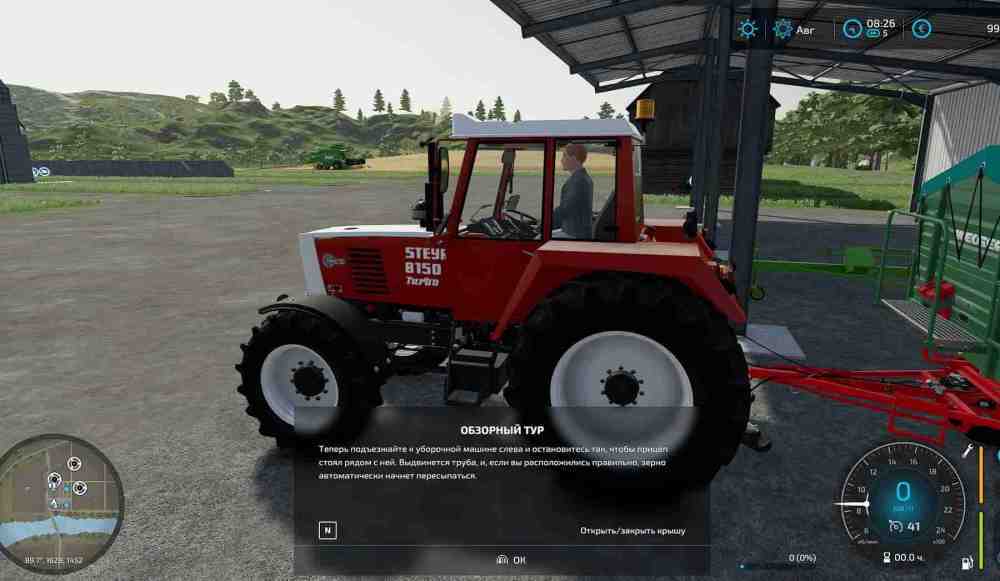
The guided tour is intended to teach us the basic controls and field work, and it is most useful on Elmcreek or Haut-Beyleron. We need to complete each step in the order shown on screen. If the tour seems to stop progressing, first check the active tour step and make sure the correct machine, attachment, and marked area are being used.
Get into the combine, attach the header, and follow the first harvesting instructions.
Switch to the tractor with the cultivator, attach the required equipment, and cultivate the marked area.
Move to the tractor with the seeder, fill or configure it as requested, select canola when the tour asks for it, and work the marked section.
Use the tractor and trailer to unload grain from the combine.
Take the grain to the requested selling or storage point.
Follow the last marker and finish the guided tour.
How to complete the Farming Simulator 22 tutorial and what to do if it gets stuckHow to complete the Farming Simulator 22 tutorial and what to do if it gets stuckLater updates added a tour steps menu and an option to abort the tour. So if we are following an old video and the interface looks slightly different, that is normal.
Where to Find Help in Farming Simulator 22
There are plenty of tips on our site, but the game itself also has a useful Help section in the menu. It explains the main systems, equipment types, crops, animals, and production chains. On PC, we can also press F1 to display the current control hints.If the in-game explanations are not enough, GIANTS Software also maintains the official Farming Simulator Academy with step-by-step lessons for field work, animals, machinery, and production.
Why an AI Worker Stops Working in Farming Simulator 22
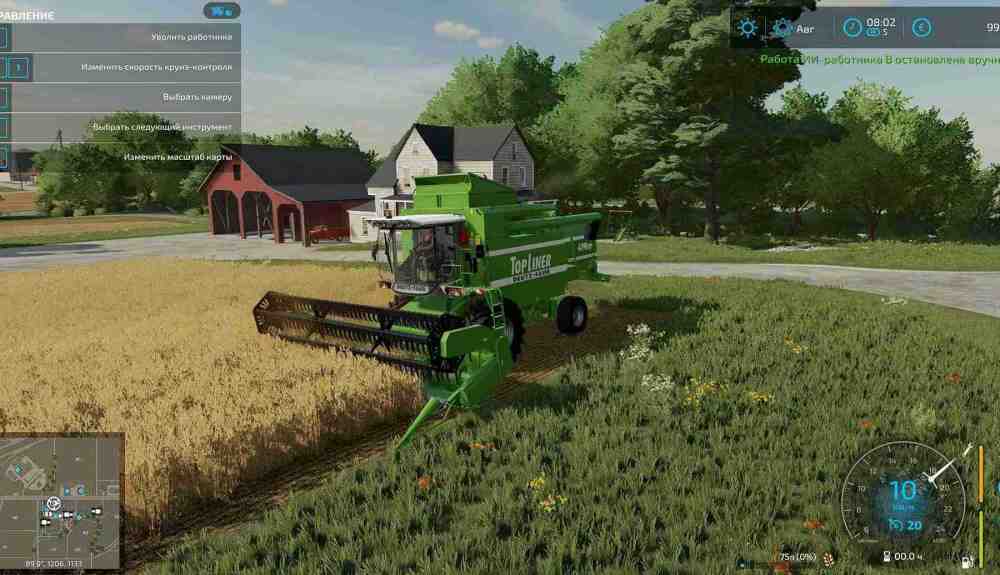
We get into a combine, press H on PC, hire an AI Worker, and suddenly the worker stops. This can still happen, especially around awkward field edges or complicated routes. Here are the most common reasons:
Something blocks the route: another vehicle, a tree, a fence, a tight gate, or difficult map geometry can stop the worker. Move the obstacle or reposition the machine and start the job again.
The combine is full: a harvester cannot keep collecting crops once its grain tank reaches capacity. Bring a tractor and trailer alongside it and unload the grain.
Seeds, fertilizer, lime, fuel, manure, or slurry have run out: refill the machine yourself or enable the appropriate AI Worker refill option in the settings.
The job was configured incorrectly: for Go To, Deliver, or Load & Deliver jobs, make sure the destination and unloading or loading point are set correctly on the AI Worker screen.
We ran out of money: AI Workers are paid for their time, so an empty bank account can bring the whole plan to a halt.
The AI system in Farming Simulator 22 supports Go To, Field Work, Deliver, and Load & Deliver jobs. Some delivery jobs can also be looped, which is useful when moving large amounts of material between fixed points.
How to Open the Shop
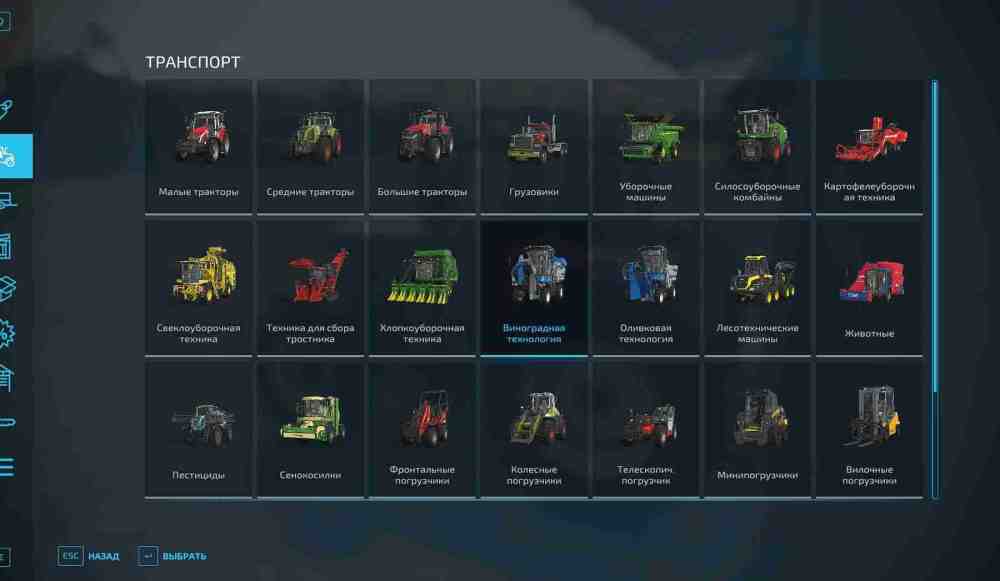
On PC, press P to open the shop menu. We can buy vehicles, tools, pallets, BigBags, bales, and other equipment there. Purchased vehicles and machines appear at the local dealership.If we do not want to drive a newly purchased vehicle back to the farm ourselves, we can use the AI Worker system and create a Go To job.
How to Buy a Tractor, Combine Harvester, and Tools
Press P on PC and choose the category we need. Before buying a machine, check its power, required power, working width, supported fill types, and compatible equipment. Select the vehicle, open its configuration screen, choose the options we need, then confirm the purchase.Some upgrades are important. For example, a tractor needs a compatible front loader attacher before we can mount a front loader. Fortunately, we are not locked into the original configuration forever. If we change our mind later, drive the vehicle to the marked workshop area at the dealership, where supported machines can be reconfigured, repaired, or repainted.How to buy a tractor, combine harvester, and toolsHow to buy a tractor, combine harvester, and toolsCombine harvesters and headers are not universal. Before buying anything, look at the crop icons in the shop description. A regular grain header works with crops such as wheat, barley, oat, canola, and soybeans, while corn and sunflowers require a suitable corn header. Potatoes and sugar beet use specialized harvesting equipment.How to buy a tractor, combine harvester, and toolsHow to buy a tractor, combine harvester, and toolsThe same crop icons appear elsewhere in the interface, so it is worth learning them early.
How to Buy Land
Open the game menu and switch to the Farmland screen. Owned land and plots available for purchase are shown on the map. Select the parcel we want, check the price, and confirm the purchase.How to buy landHow to buy landBefore spending the money, look at more than just field size. A plot close to our existing farm saves travel time, while trees, steep terrain, awkward access roads, or buildings can make a cheap property much less convenient than it first appears.
How to Prepare a Field for Planting
We do not need every soil-care machine for every single field. What we need depends on the current field state and on which gameplay options are enabled. A basic setup may include:
A tractor.
A cultivator or plow.
A stone picker or roller if field stones are enabled.
A fertilizer spreader or sprayer.
Lime when the field requires it.
Fertilizer.
A weeder, hoe, or herbicide sprayer if weeds are enabled.
A seeder or planter.
Seeds or the correct planting material.
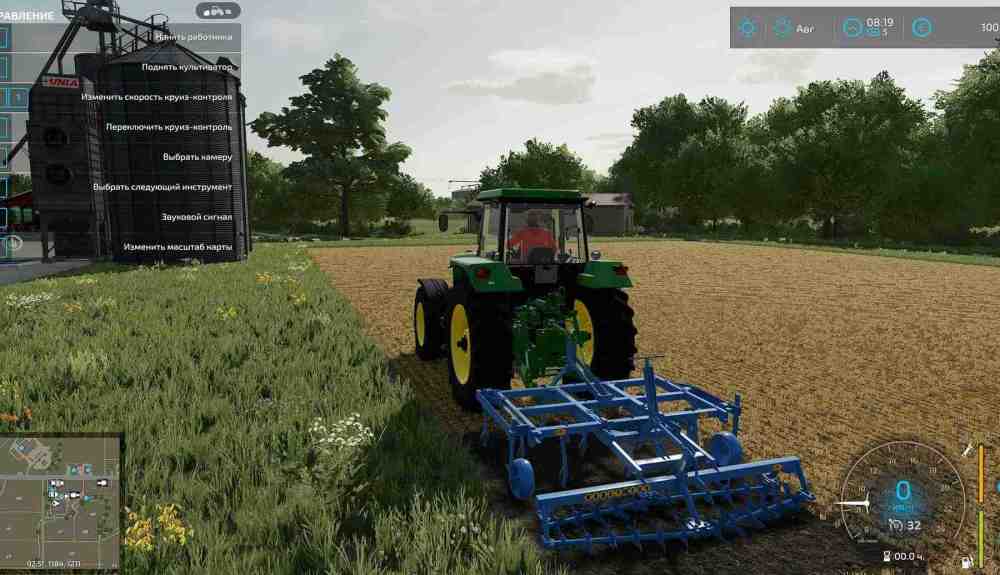
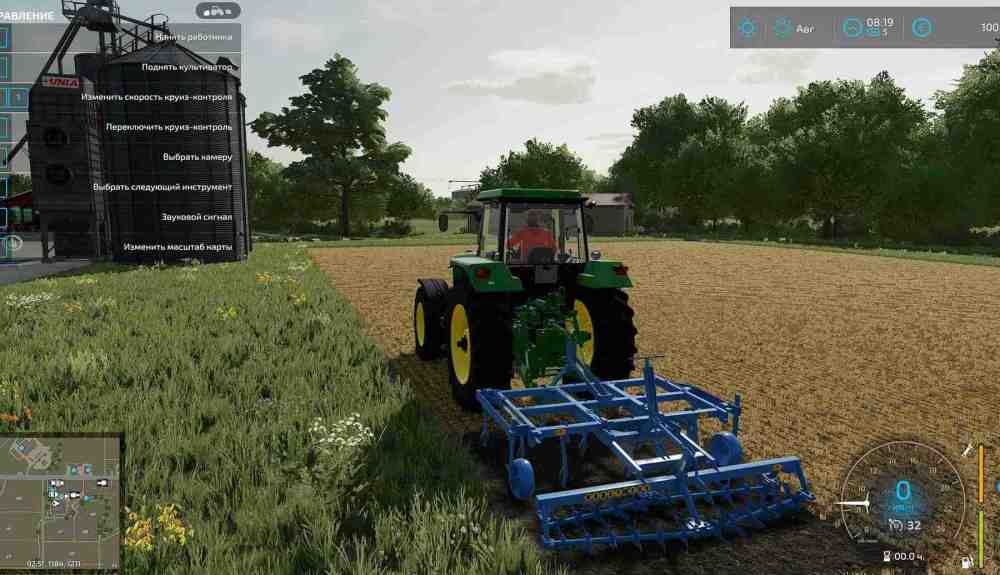
The tractor is our main workhorse, but always check the power requirement of the attached tool. A front weight can also help when a heavy implement makes a smaller tractor unstable.How to prepare a field for plantingHow to prepare a field for plantingA typical field preparation routine looks like this:
Cultivate the soil, or plow if the field information says plowing is required.
Apply lime if the field information says it needs lime.
Sow or plant the crop during the correct season if seasonal growth is enabled.
Roll the field after sowing if we want the small extra yield bonus.
Fertilize the crop. Most crops can receive two fertilizer stages, with a growth stage between applications.
Remove weeds before they reduce the final yield.
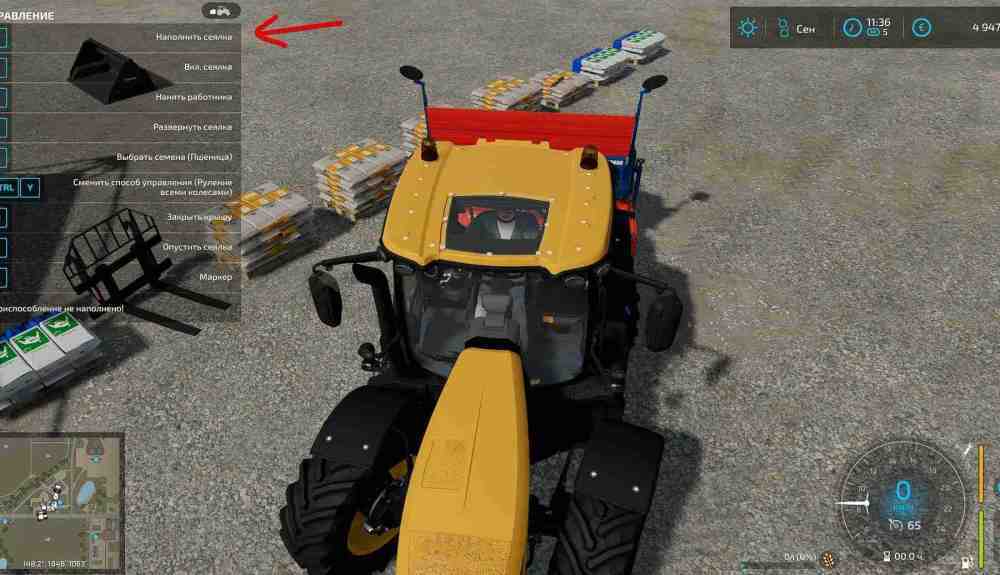
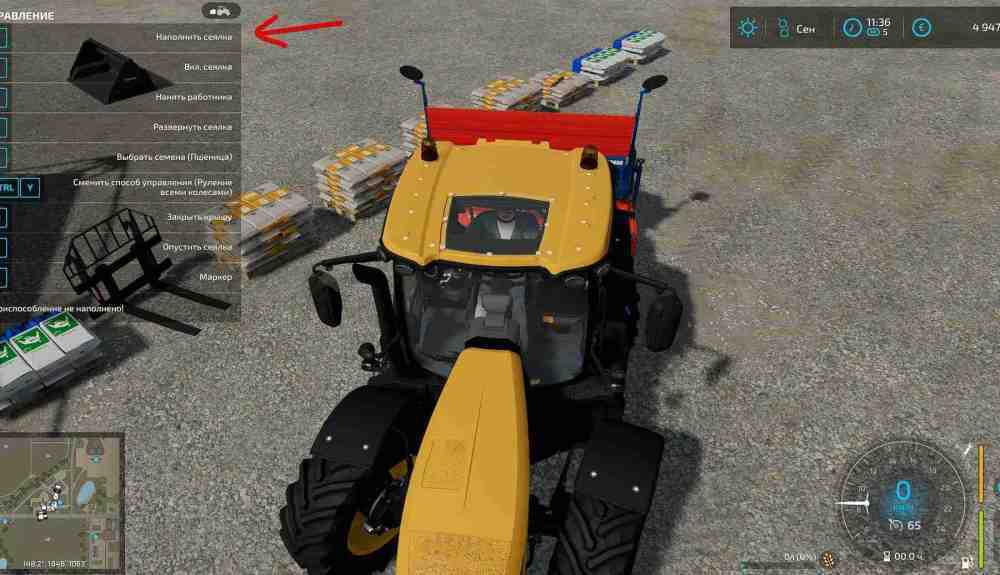
Some seeders support direct drilling, which means we can skip cultivating or plowing unless the field specifically requires plowing. Field stones also depend on the tool we use, so check the field information instead of following the exact same routine every season.To refill a seeder or fertilizer spreader, bring the machine next to the correct BigBag, pallet, or tank and use the refill command. On the default PC controls, this is usually R.How to prepare a field for plantingHow to prepare a field for planting
How to Sell Harvested Crops
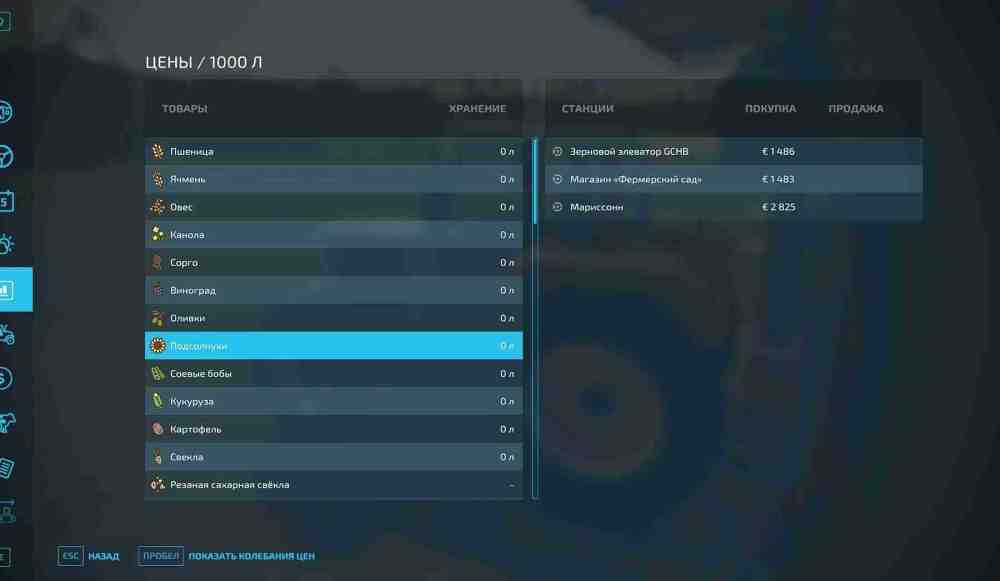
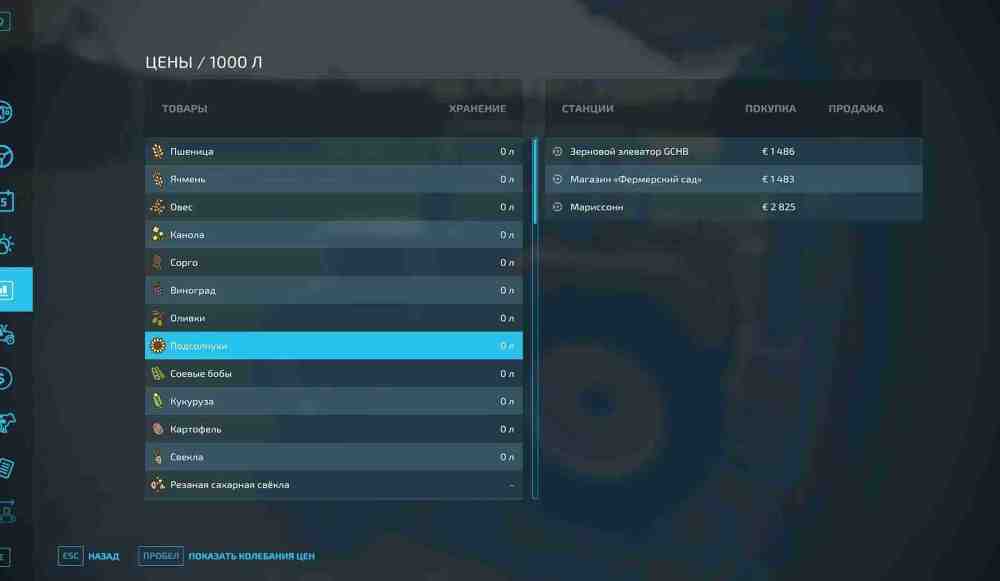
Open the game menu and go to the Prices screen. Select the crop or product we want to sell and compare the available selling points. Prices change over time, so the nearest buyer is not always the most profitable one. We can mark a selling point to make it easier to find on the map.How to sell harvested cropsHow to sell harvested cropsLoad the crop into a compatible trailer, drive to the marked selling point, and unload it in the correct trigger. If the current price is poor and we have enough storage, there is no need to sell immediately. Keeping grain in a silo until a stronger month can bring us more money.
How to Open Build Mode
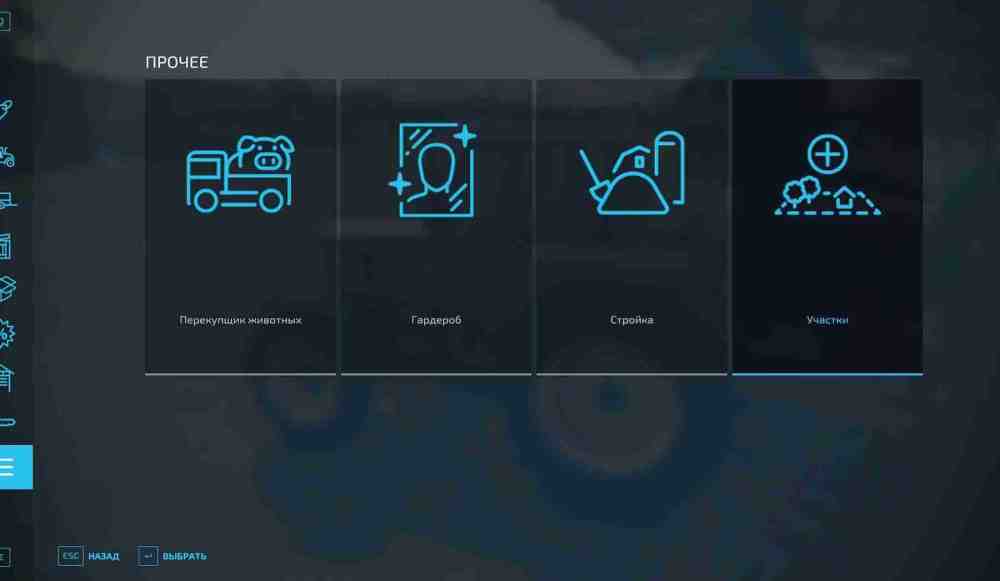
Open the shop or game menu and enter Build Mode. This is where we place farmhouses, sheds, silos, animal buildings, production facilities, selling points, greenhouses, generators, decorations, and other placeables. The landscaping tools are available here as well.
How to Build a Crop Silo, Factory, or Production Facility
Silos and other farm buildings are placed through Build Mode. Production buildings are found in the Production section. We can either use production points already placed on the map or buy and place our own, depending on the map and the building.Factories let us process raw materials into more valuable goods. Wheat can become flour, milk can become cheese or butter, and other crops feed into their own production chains. Just remember that a factory is an investment, not free money. It still needs the right inputs and time to produce goods.
How to Build and Run Greenhouses
Greenhouses are available in Build Mode under production-related placeables. In the base game, they can grow tomatoes, lettuce, and strawberries throughout the year.The main thing they need is water. Once the greenhouse is supplied, choose which products to run and what should happen to the output. We can store pallets for manual sale, sell the goods automatically, or distribute them to another production facility. Automatic selling saves time, while handling the pallets ourselves usually gives us more control over where and when the goods are sold.
How to Set Up Beehives and Produce Honey
Open Build Mode and find the beehives. We do not need to buy bees separately. Once a hive is placed, it begins producing honey automatically. We also need a honey pallet location, because honey from all of our hives appears there.Bees are useful for more than passive income. If we place hives close enough to the right fields, they improve crop yield. In Farming Simulator 22, sunflowers receive a 5% bonus, while canola and potatoes receive a 2.5% bonus.From time to time, return to the honey pallet area, move the pallets with suitable loading equipment, and either sell the honey or use it in a production chain such as the Cereal Factory.
How to Build a Selling Point for Finished Products
Some selling points can be placed through Build Mode in the Production section. These let us create additional locations where supported crops or finished goods can be sold.Before building one, check which products it accepts. A selling point is only useful if it actually buys the goods our farm produces.
How to Buy Wheat Seeds and Seed Potatoes in Farming Simulator 22
Press P to open the shop, or visit the dealership in person. Regular crop seeds are sold in the Objects section as BigBags or pallets. Bring the seeder close to the seed container and refill it.Most common crops use the same generic seed supply, and we choose the crop in the seeder before working. Potatoes are different. They use a specialized potato planter and can be planted with purchased planting material or potatoes kept from a previous harvest.How to buy wheat seeds and seed potatoes in Farming Simulator 22How to buy wheat seeds and seed potatoes in Farming Simulator 22
How to Sow Wheat, Plant Potatoes, Sugar Beet, and Corn in Farming Simulator 22
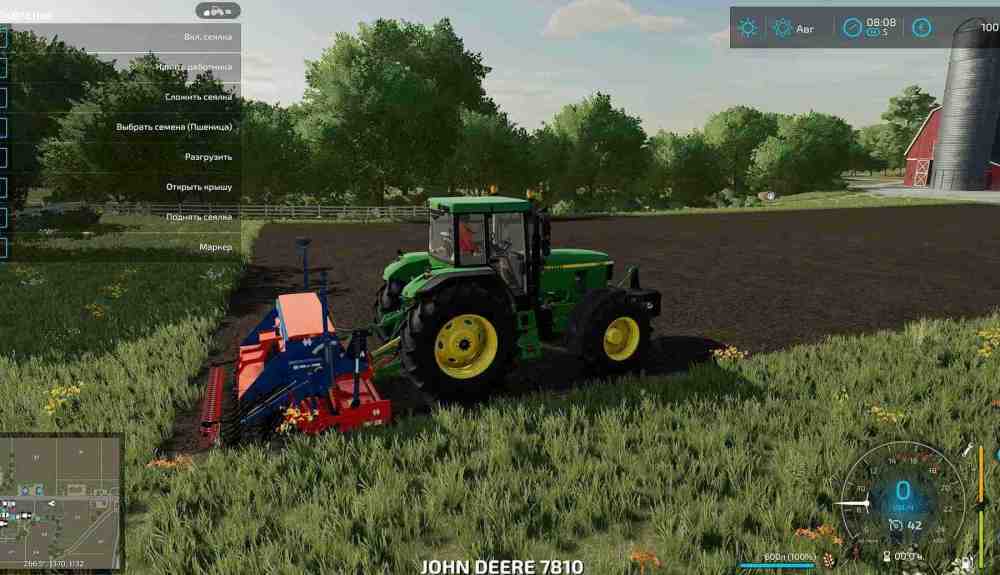
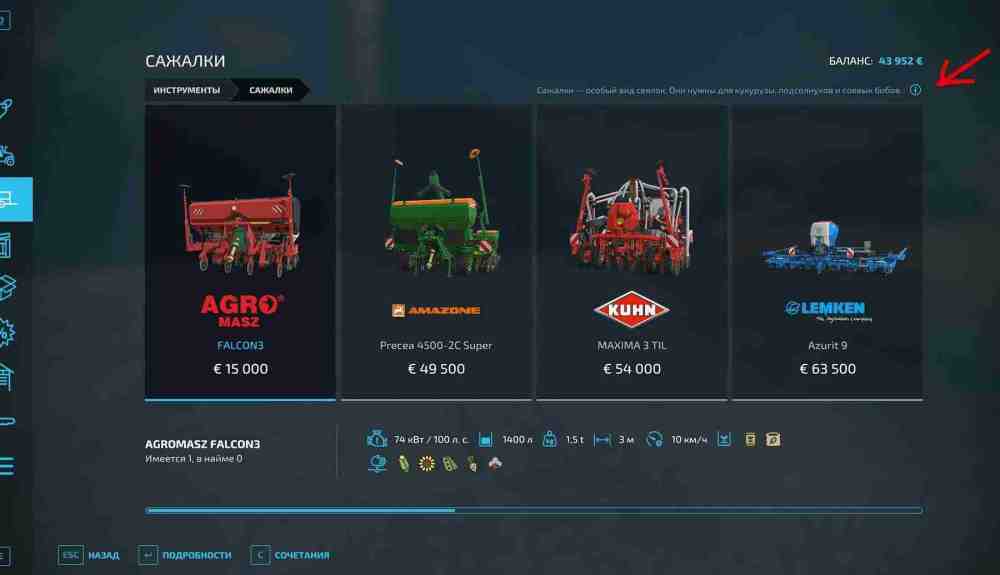
First, prepare the field with a cultivator, plow, or a direct-drill machine. Check the field information before doing extra work, because plowing is only necessary when the game tells us the field requires it.How to sow wheat, plant potatoes, sugar beet, and corn in Farming Simulator 22How to sow wheat, plant potatoes, sugar beet, and corn in Farming Simulator 22For wheat, barley, oat, canola, and several other crops, use a seeder. Fill it with seeds, choose the crop, lower the machine, turn it on, and cover the field. Fertilizer can increase the final yield, and some seeders can fertilize while sowing.How to sow wheat, plant potatoes, sugar beet, and corn in Farming Simulator 22How to sow wheat, plant potatoes, sugar beet, and corn in Farming Simulator 22Corn, sunflower, sugar beet, and some other crops use planters instead of ordinary seeders. Potatoes use their own specialized potato planters. Always check the crop icons in the shop before buying equipment, because a machine that looks suitable may not support the crop we want.How to sow wheat, plant potatoes, sugar beet, and corn in Farming Simulator 22How to sow wheat, plant potatoes, sugar beet, and corn in Farming Simulator 22
Where to Get Fertilizer in Farming Simulator 22
Solid and liquid fertilizer can be bought from the shop. Solid fertilizer is used with fertilizer spreaders, while liquid fertilizer is used with sprayers. For a new farm, solid fertilizer and a basic spreader are usually the simplest and cheapest place to start.We can also fertilize with manure, slurry, digestate, or oilseed radish. Most crops can be fertilized twice per crop cycle, but the second normal application needs a growth stage between it and the first. Manure and slurry can use the double application rate if we want to reach full fertilization in a single pass at the cost of using more material.
How to Harvest Potatoes, Oat, Grass, Sugar Beet, and Other Crops in Farming Simulator 22
Different crops need different harvesting setups. Oat, wheat, barley, canola, and several other grain crops use a combine harvester with a compatible grain header. Corn needs a suitable corn header.Potatoes and sugar beet require specialized harvesters. Grass is completely different. We cut it with a mower, then collect the loose grass with a forage wagon or turn it into bales. If we want hay, we first run a tedder over the cut grass before collecting it.Before spending a large amount of money on a harvester, check the supported crop icons in the shop. Expensive specialist machines are often better leased if we only need them once or twice a year.How to harvest potatoes, oat, grass, sugar beet, and other crops in Farming Simulator 22How to harvest potatoes, oat, grass, sugar beet, and other crops in Farming Simulator 22
Where to Get Manure and Slurry in Farming Simulator 22
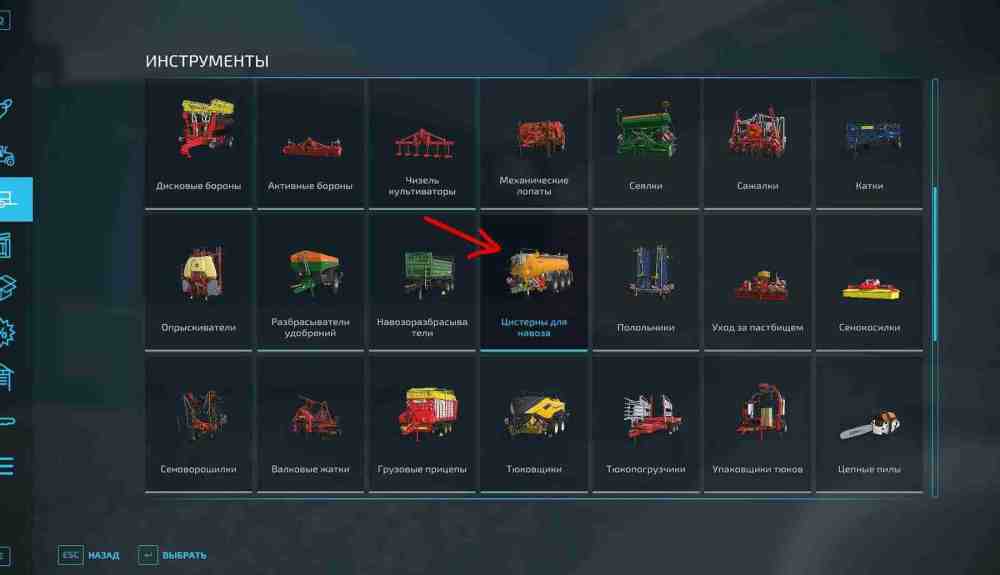
Manure and slurry are animal by-products, not ordinary fertilizer products that we buy from the regular shop. Cows and pigs can produce slurry in compatible housing. Manure production requires suitable animal housing, straw bedding, and a nearby manure heap. Horses can also produce manure in compatible housing.Do not confuse this with the Biogas Plant. The BGA can accept materials such as silage and manure and gives us digestate as a by-product. Digestate is another fertilizer and is handled with slurry equipment.Where to get manure and slurry in Farming Simulator 22Where to get manure and slurry in Farming Simulator 22We use manure spreaders for manure and slurry tankers for slurry or digestate. These resources can save a lot of money on fertilizer if we already keep animals.Manure is also completely separate from cow feed. To make Total Mixed Ration, we combine hay and silage in a mixer wagon, with straw and mineral feed used as additional ingredients depending on the recipe and setup. The cow barn with a feeding robot can mix TMR automatically if we supply the required materials.
How to Buy Animals in Farming Simulator 22
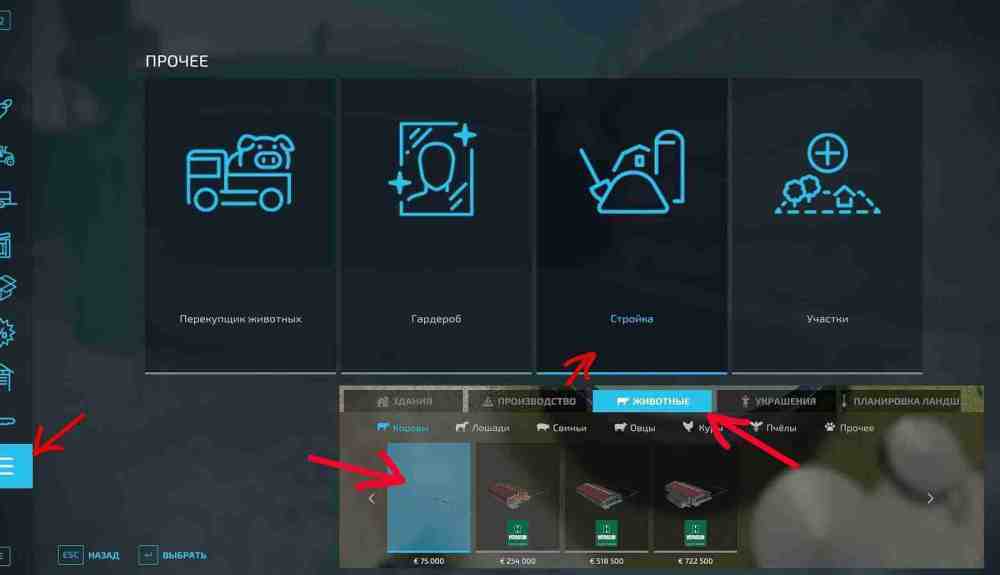
Before buying animals, we need somewhere to keep them. Open Build Mode, go to the Animals section, choose a pasture, barn, coop, stable, or other suitable building, and place it on land we own.After that, approach the animal purchase point at the building and open the animal dealer menu. We can buy animals directly and pay a delivery fee, or use a compatible livestock trailer and transport them ourselves.How to buy animals in Farming Simulator 22How to buy animals in Farming Simulator 22Simple pastures usually provide fewer production options than full barns or sties. If we want manure or slurry, choose compatible animal housing and make sure the required straw storage, manure heap, or slurry storage is available.