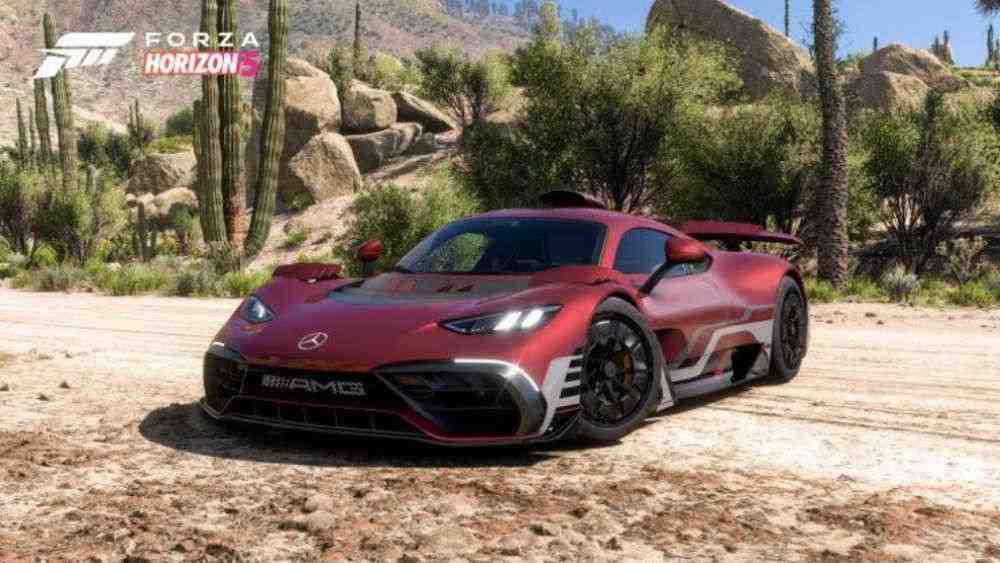
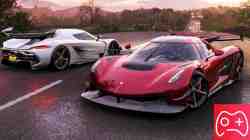
Racing games become more immersive with every new generation, and Forza Horizon 5 still looks fantastic. So what could make driving through Mexico feel more immediate than switching to a first-person cockpit view?
How to Switch to First-Person View in Forza Horizon 5
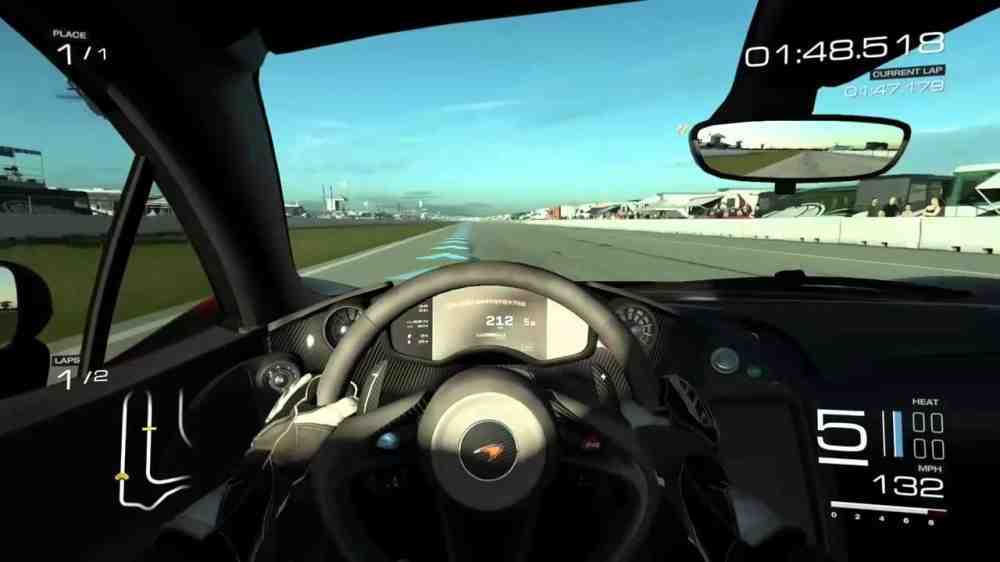
To change the camera, press RB on an Xbox controller or Tab on the keyboard. Each press cycles through the available camera angles. Keep switching until you reach either the Driver view, which shows the steering wheel and cockpit, or the Dashboard view, which places the camera slightly farther forward. These are the two main first-person views inside the car.How to switch to first-person view in Forza Horizon 5How to switch to first-person view in Forza Horizon 5The car interiors still look excellent, so driving from the cockpit feels much more natural than it did in many older racing games. We can also look around with the right stick on a controller, making it easier to check the mirrors and surroundings while driving. On PC, Forza Horizon 5 additionally lets us adjust the field of view for the Driver and Dashboard cameras in the settings.If RB or Tab does not switch the camera, check the control settings. The keybind may have been changed from its default value.That is everything you need to know about switching to first-person view in Forza Horizon 5.