Guides
How to Use the Vehicle Menu in GTA 6: Windows, Convertible Tops, and Trunks

GTA 6's developers have greatly expanded the ways you can interact with vehicles. You can now open and close windows yourself, operate a convertible's folding roof, switch between different headlight settings, and even turn off the engine without getting out of the car. All these features are available through a dedicated vehicle menu that you can access while driving.
Recommended Content
More on This Topic
How to Open the Vehicle Controls Menu in GTA 6
While sitting in the driver's seat, follow these steps:- Hold Left on the D-pad to bring up the radio station wheel.
- Push the right analog stick upward to switch to the vehicle controls menu.
- Select the function you want and press X on PlayStation or A on Xbox.
How to Raise and Lower a Convertible Roof
If you're driving a convertible, the first option in the menu lets you raise or lower its roof. Select it and press X or A to change the roof's position.Don't worry if the roof icon doesn't change immediately after you press the button. Close the vehicle menu, and you'll see the top begin to fold down or raise back into place.How to Open Windows and the Trunk
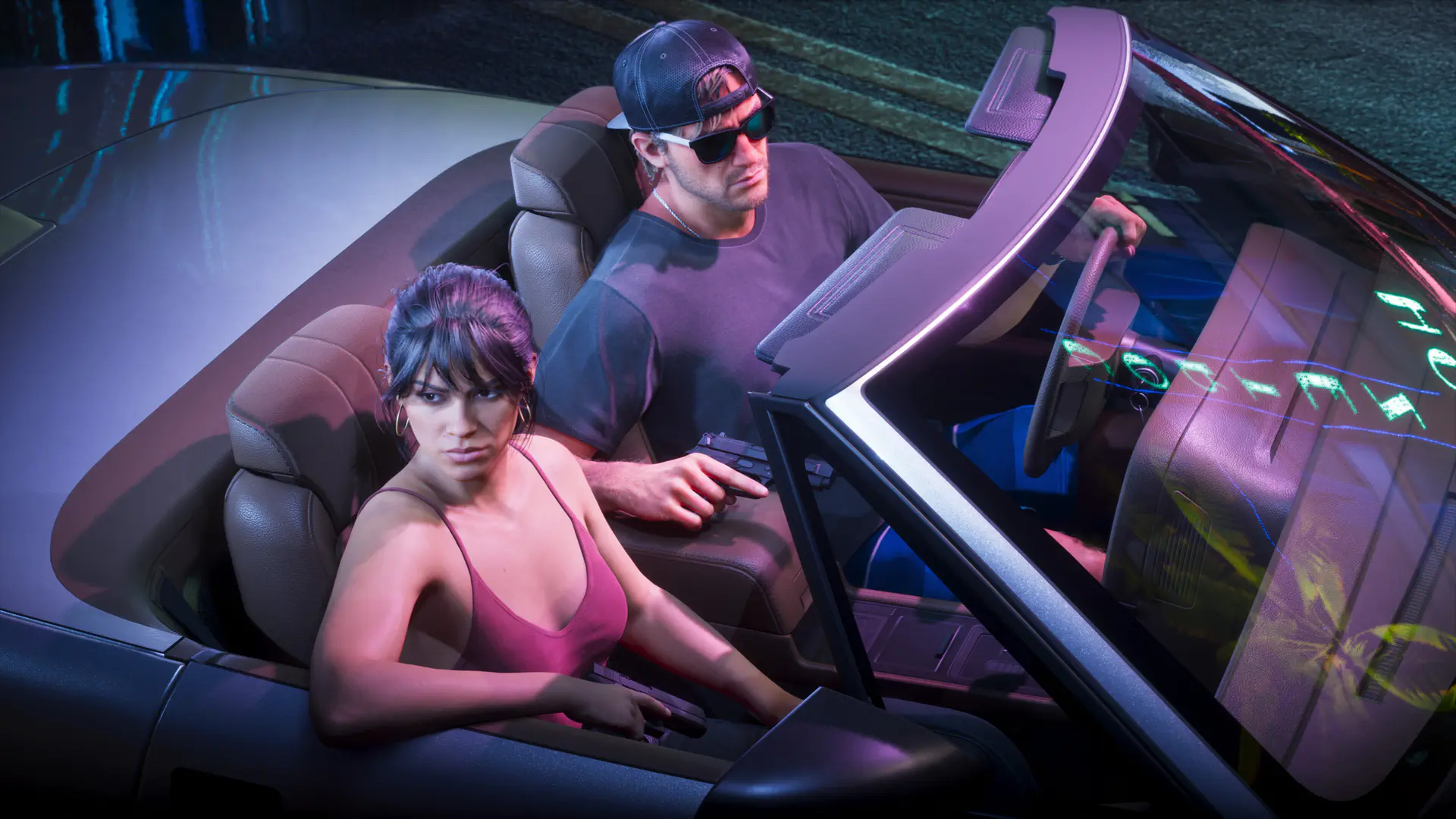
The same menu has separate options for controlling the windows and trunk. Select the relevant function to open or close them without leaving the driver's seat.This is especially handy if you've taken a weapon or other items out of the trunk but forgotten to close it before driving away. You won't need to stop and get out; just use the vehicle controls menu. Open windows and a lowered convertible top can also make for more interesting photos of your characters inside the car.What Other Vehicle Functions Are Available in GTA 6?
In addition to the roof, windows, and trunk, the menu lets you start or stop the engine, switch on the hazard lights, and control the headlights. Several different lighting modes are available.The exact options depend on the vehicle you're driving. For example, if you're behind the wheel of a truck towing a trailer, you'll see an extra option to detach it. You can also detach a trailer without opening the menu by pressing Right on the D-pad.Sign in to leave a comment or rate this post.
Comments
Be the first to comment!