The floppy disk puzzle in We Were Here Tomorrow takes place in a laboratory where one player explores a device while shrunken down. To open the passages inside the computer, you'll need to find a yellow floppy disk and solve two rotating dial panels. Here's where to insert the disk and how to coordinate with your partner.
If the computer asks you to insert a floppy disk, head back to the guinea pig cage. It's not far from the exit of the circuit board area. Look for a cage with a rounded red roof. The yellow item you need is inside, on the floor between the bowls. The shrunken player can pick it up.Check your inventory first. You may already have picked up the disk along the way and be searching the laboratory for no reason. Don't confuse it with the giant floppy disks blocking your path inside the computer. The floppy disks numbered 01 and 02 are doors. The yellow item you've found is needed to activate the external control panel.Image unavailable
How to insert the disk and activate the machine
The player carrying the disk needs to return to the resizing machine and restore their normal size. Then approach the computer's external control panel and insert the floppy disk into its slot. The screens and dial controls will power on. There's no point searching for a working button inside the machine while the slot is empty.Now divide the roles again: one player stays at the external panel, while the other shrinks and goes back inside the computer. Feel free to swap places if you like. The partner who previously directed things from outside can explore the next section themselves. Both players are needed to solve the puzzle, since each controls part of the mechanism.Image unavailable
How to open the first floppy disk door
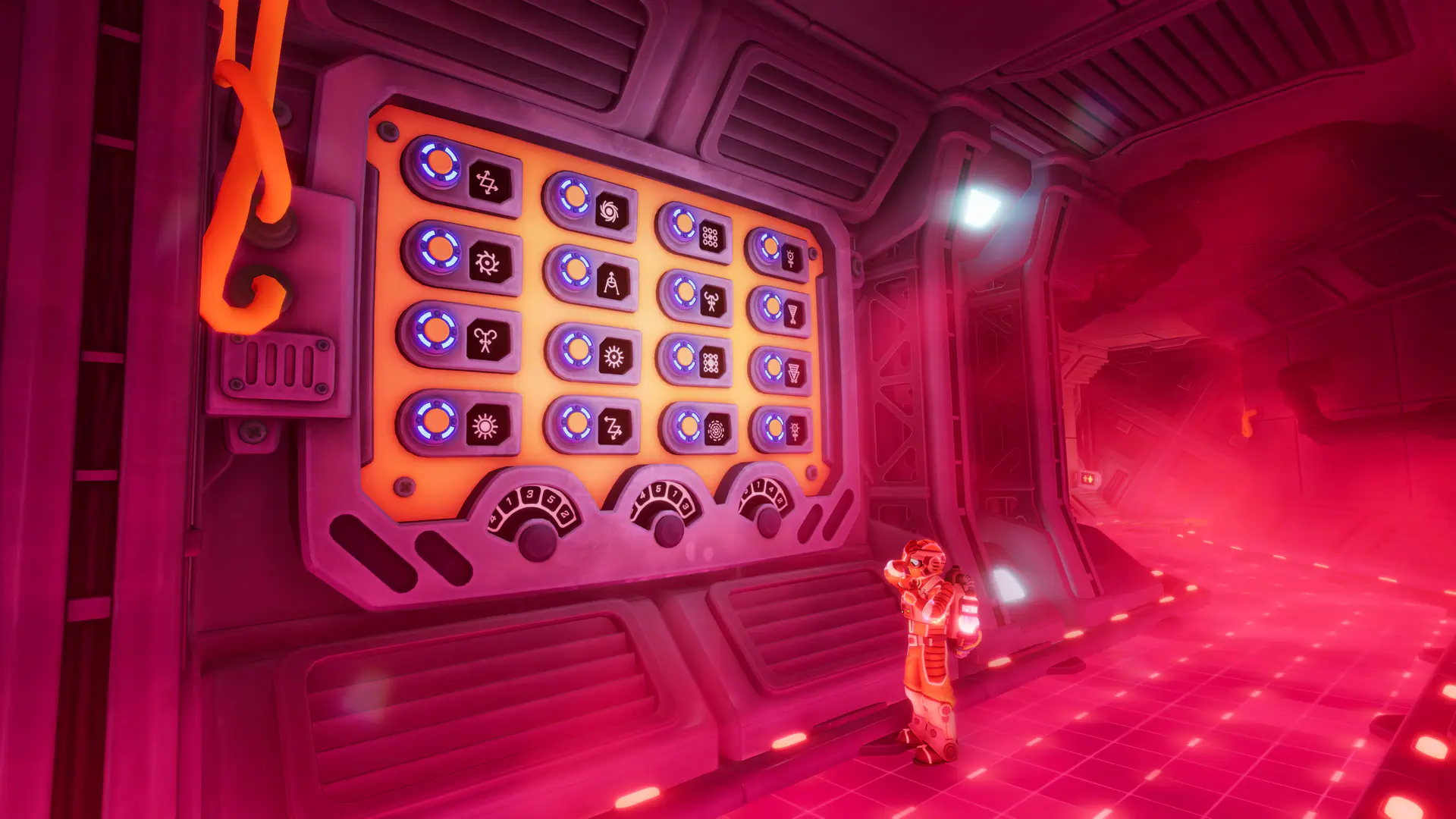
The shrunken player reaches the internal control panel with small pointers and a lever. Their normal-sized partner stands at the corresponding external panel with four dials and a large button. You need to match the directions of four pairs of pointers in sequence, first with first, second with second, and so on. Don't try to find one setting that matches the entire panel at once.Image unavailableBefore starting, agree to number the dials from left to right. For the first door, you only need four directions: up, right, down, and left. We recommend calling out both the number and the direction, such as "First, up" or "Second, left." It'll be easier for your partner to ask you to repeat a specific value if you both start talking at once.Then follow these steps in order:
The shrunken player pulls the lever on the internal panel to start the first set of dials.
Compare the directions of the first pair. The player inside calls out their pointer's position, while their partner watches the corresponding dial outside.
When the directions match, the player at the external panel presses the confirmation button.
Once that match is accepted, move on to the second pair, then the third and fourth. Watch the indicators so you don't start checking the next dial too early.
Accepted matches are marked by pale blue indicators. Once all four checks are complete, floppy disk 01 will open the passage. The player inside can continue to the second control panel. Their partner outside also needs to move to the next set of dials.Image unavailable
How to open the second floppy disk door
The second panel works the same way, but the pointers rotate in 45-degree increments instead of 90-degree increments. In addition to the four cardinal directions, you'll need the diagonals: up-right, down-right, down-left, and up-left. Before pulling the lever, make sure you're both ready to use the new directions. Simply saying "left" won't work if the pointer is actually pointing up-left.Start the second set of dials and check each pair in order again. Don't reuse the directions from the first panel. Watch the current pointers instead. After all four matches are accepted, floppy disk 02 will open. That finishes the section with the rotating dials. Next comes a separate puzzle involving the 3D printer grid.
What to do if the dial matches don't register
If a match isn't accepted after you press the button, first check the number of the active pair. While you were discussing a direction, the pointer may have rotated farther, or one of you may have started watching the neighboring dial. Call out the number and current direction again, wait for the next match, and try confirming it. Don't keep entering the remaining directions from memory after a failed check.If you keep missing, watch one full rotation. The operator needs to learn when their button press registers, while their partner should give the command without a long explanation. Try a short "Ready, press!" and check the result after each pair.If the dials don't start at all, return to the external panel and check that the floppy disk is inserted. Then make sure the shrunken player is at the lever for the correct set and their partner is at its button. Don't try to solve both panels at the same time. Finish the first and open its passage before moving on to the second.