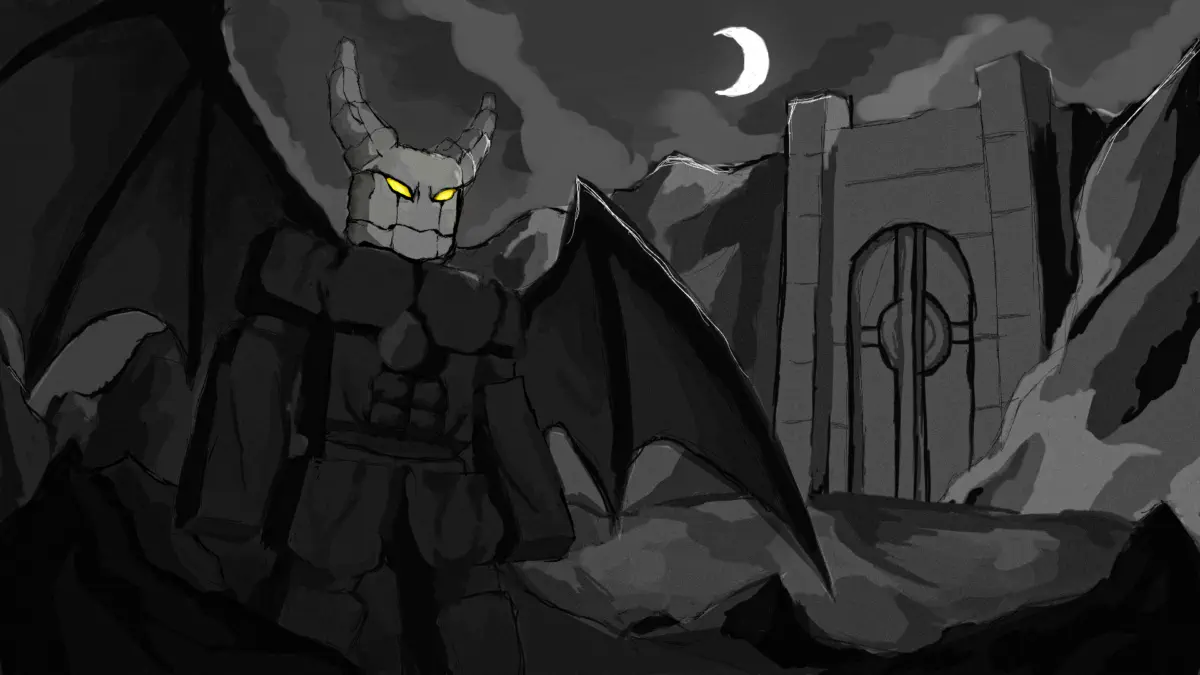
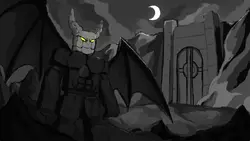
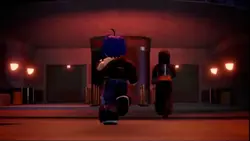
The Beasthammer is a free avatar accessory you can earn during The Hollow event in Roblox. To get it, you'll need to visit Flee the Facility and complete a candy-collecting challenge. In this guide, we'll explain which actions earn candy, how to deposit it in the bucket, and where to claim your reward after completing the challenge.
What you need to do to get the Beasthammer
Travel from The Hollow to Flee the Facility and start a normal match. You'll play either as a Survivor who hacks computers and tries to escape or as the Beast who hunts the other players. You can earn candy in either role, so you don't have to wait to play a particular side before starting the challenge. Your goal is to deposit a total of 100 Candies in the bucket, then successfully escape as a Survivor and return to The Hollow to claim the accessory.Image unavailableYou don't need to spend Robux to complete the challenge. The hammer itself must be claimed separately at the reward display. Completing the challenge in Flee the Facility doesn't automatically add the accessory to your avatar inventory. So make sure you return to the hub after meeting the requirements. We'll go through the entire process below.
How to collect candy in Flee the Facility
Candy is awarded for actions you perform during a match. You don't need to search the corridors for a hundred individual sweets. Just work on your role's objectives and keep an eye on the counter. As a Survivor, your main source of candy is hacking computers. As the Beast, you earn candy for successfully hunting other players.Image unavailableYou can earn candy in the following ways:
Hack computers as a Survivor. Pass the reaction-based skill checks during hacking and finish the task. You earn candy for successful checks and completing a hack.
Rescue teammates from freezing pods. Freeing a captured player also earns candy. Before approaching the pod, make sure the Beast isn't camping nearby.
Hit Survivors as the Beast. Each successful hit awards 5 Candies. Keep hunting and bring captured players to freezing pods, since capturing and freezing them also award candy.
As a Survivor, we recommend finding a computer and working on it first, then checking your candy supply. If a teammate has been caught nearby and the path is clear, help them escape. You'll make progress toward your reward and save a player who may be able to rescue you later. Still, don't charge straight into the Beast's hammer to attempt a rescue. You can lose your undeposited candy faster than you earn more.
How to deposit candy in the bucket and reach 100
You can carry no more than 30 Candies at a time. Once your inventory is full, you stop earning additional candy until you make some room. Find an event candy bucket on the map, approach it, and interact to deposit what you're carrying. Then check that the overall challenge counter has increased and the amount you're carrying has gone down.Image unavailableWe recommend remembering the route to a bucket and returning there after hacking a computer or completing several successful actions as the Beast. You don't need to wait until you're carrying exactly 30. If a bucket is nearby, deposit a smaller amount too. You'll need at least four deposits to reach 100, for example, 30, 30, 30, and another 10 Candies. The game tracks the total deposited amount, so you can't complete the requirement in a single trip to the bucket.Image unavailableIf the Beast hits you and places you in a pod, your undeposited candy can still be saved. Wait for a teammate to rescue you, and you'll keep what you were carrying. However, if you're completely frozen and eliminated from the match, you lose your carried candy. That's why it's best to reach the bucket with an almost full inventory before going after another computer.
What to do after depositing 100 Candies
Make sure all 100 Candies have counted after being deposited in the bucket. Then finish a round by successfully escaping as a Survivor. Work with your team to hack the necessary computers, open an exit, and leave the facility. If you reached 100 Candies while playing as the Beast, play another round as a Survivor and escape. Once you've completed the challenge, return to The Hollow using the same Roblox account.Image unavailableFind the Beasthammer reward display and approach the item. Follow the interaction prompt, which is E on PC, and confirm the claim if a window appears. After receiving it, open your avatar inventory and check your accessories. The hammer is a cosmetic reward for your character.The related challenge also awards an event badge and 10 Tickets. If a completion confirmation window appears when you return to the hub, claim the reward there. Be sure to check the hammer's display separately. Don't leave the hub after receiving the Tickets without confirming you've claimed the accessory.Image unavailable
Why isn't the Beasthammer unlocking?
First, check your challenge progress in Flee the Facility. If candy stops being awarded when you're carrying 30, take it to a bucket. If your overall total is still below 100, keep collecting and depositing. Don't leave the game as soon as you've earned the last batch. Make sure it has actually been deposited and counted first.Once you've deposited 100, check whether you've completed a successful escape as a Survivor. Then return to The Hollow and interact with the hammer's own reward display. If you have the challenge badge but the hub still won't offer the reward, leave the hub and rejoin it, then check the display again. We don't recommend collecting another full 100 Candies before you've checked the badge and tried rejoining the hub.