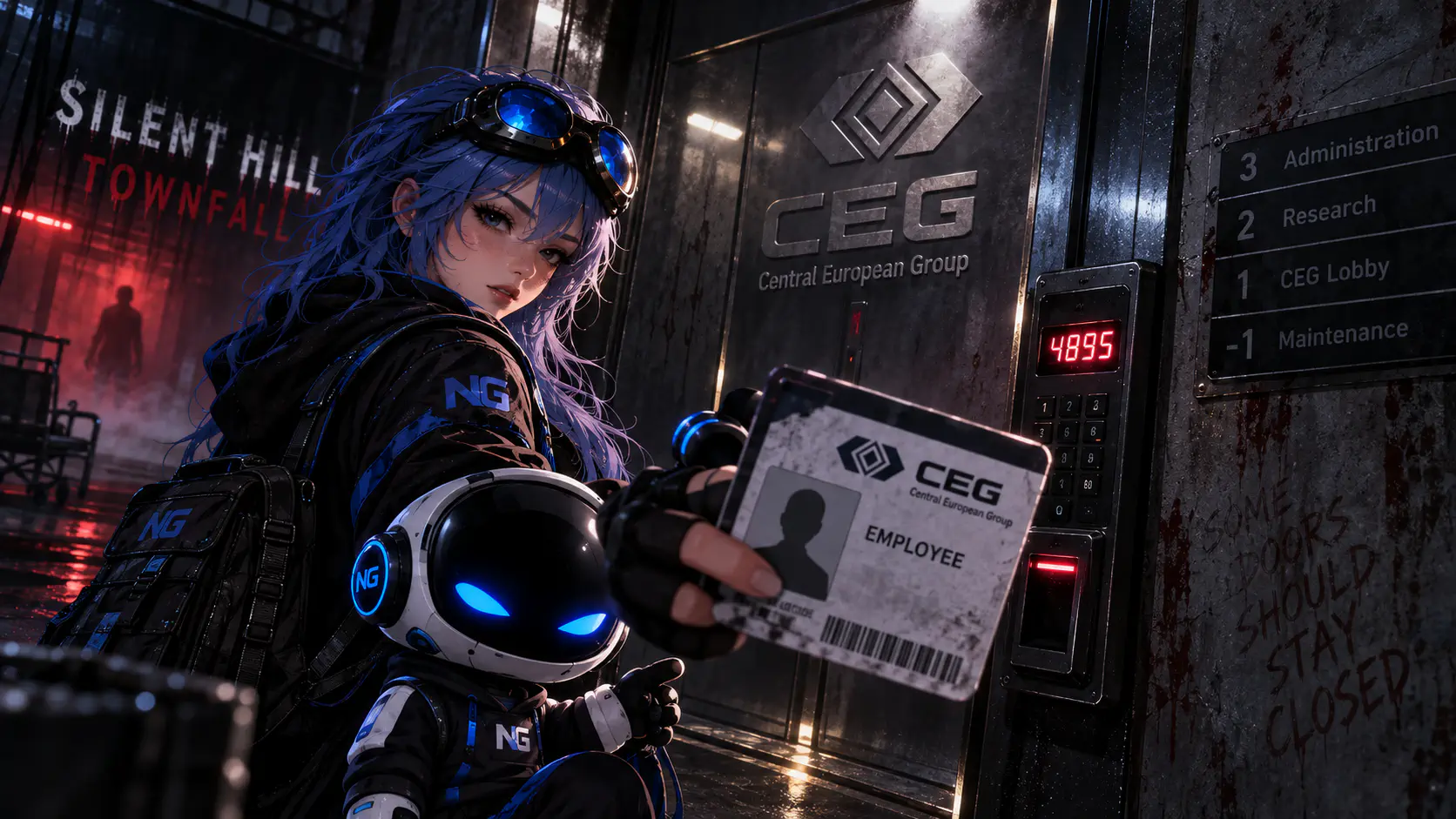
After opening the route to Atlas Way in Silent Hill: Townfall, you'll enter the CEG Tower, but you won't be able to reach the 10th floor right away. The elevator requires a special Access Card, and to get it, you'll first need to unlock the Security Room, reconstruct the Grid of Codes, and find Richard's employee file.
In this guide, we'll explain how to get the CEG elevator Access Card, where to find the Security Room code, which box belongs to Richard, and which Employee ID to enter at the terminal.
How to Unlock the CEG Security Room
After entering the tower, head to the Maintenance Room first. Check the trash can and pick up one half of the Grid of Codes. The torn document isn't particularly useful on its own, but you'll need it later to identify the correct box.Image unavailableNow look at the whiteboard in the room. You'll see a clue beginning with the number 4 followed by a sequence of arrows. It can be used to work out the Security Room password. Return to the reception area and find the locked Security Room door. Enter the code 4895 to open it.Image unavailable
Where to Find the Second Half of the Grid of Codes
Inside the Security Room, check the trash can beside the desk. The second half of the Grid of Codes is inside. Combine both pieces in your inventory to create the Complete Grid of Codes, which you can now properly read and use to open the correct box.
How to Find Richard's Box
Your next objective is in the conference area with rows of chairs and black boxes. Approach the stage and inspect the podium. You'll find the Box IDs and Names document here. It reveals that Richard's box is #36. Then search the rows in front of the stage.Image unavailableThe correct box is:
in the third row from the stage;
in the sixth position.
How to Open Box #36
Use the code 486 on Richard's box. Once it opens, take the Employee File Cover Note. This document contains the information you'll need at the terminal in the Security Room to generate a new Access Card.
How to Get the Employee ID
Return to the Security Room. Approach the computer and card reader on the left. Before continuing, make sure the device is powered on — the reader should have a green indicator light.Open the employee database on the terminal and enter the Employee ID: 00007820518. Confirm the entry and the system will find the correct employee record. Now generate the Access Card. Once it has been printed, collect the finished card from the reader.Image unavailable
How to Activate the Elevator and Reach the 10th Floor
Return to the CEG elevator and use the Printed Access Card. The previously locked elevator will now become available. Select the 10th floor and activate the elevator. A story cutscene will begin shortly afterward, moving you into the next major section of the game.If the card doesn't work, first make sure you actually collected the printed card from the reader. Simply finding the document with the Employee ID isn't enough — you must generate the Access Card separately using the terminal in the Security Room.